This release takes setup work off your desk. Brand settings that apply across every website you own, team pages that build themselves around your branches, and completions that arrive from Street.co.uk without anyone exporting a spreadsheet.
There's plenty in this one across Websites, Social and Prospecting, with a run of smaller refinements sitting alongside the headline releases.
Here's everything that's new in Spectre…
Spectre Website updates
Show the right team on the right page.
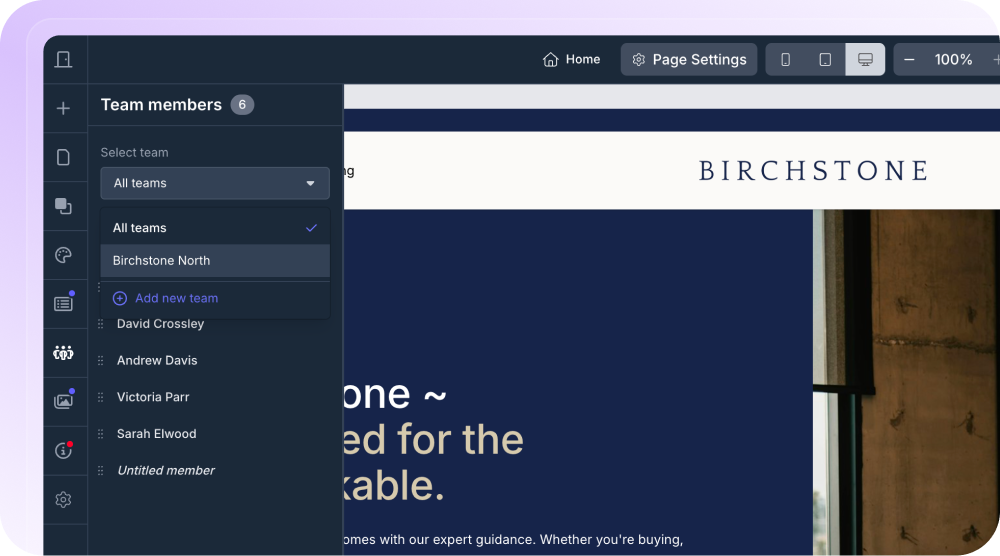
Group your team members into branches and choose which branch each Team Section displays, so every office page shows the people who actually work there. Add someone while a branch is selected and they arrive already assigned to it, and the add button now stays pinned to the top of the list.
Branches here are local to Spectre Websites, so you can name and structure them however suits your site rather than mirroring your CRM. They're an editor-side filter too, so visitors see the right people without seeing branch labels.
Check your site on your phone before it goes live.
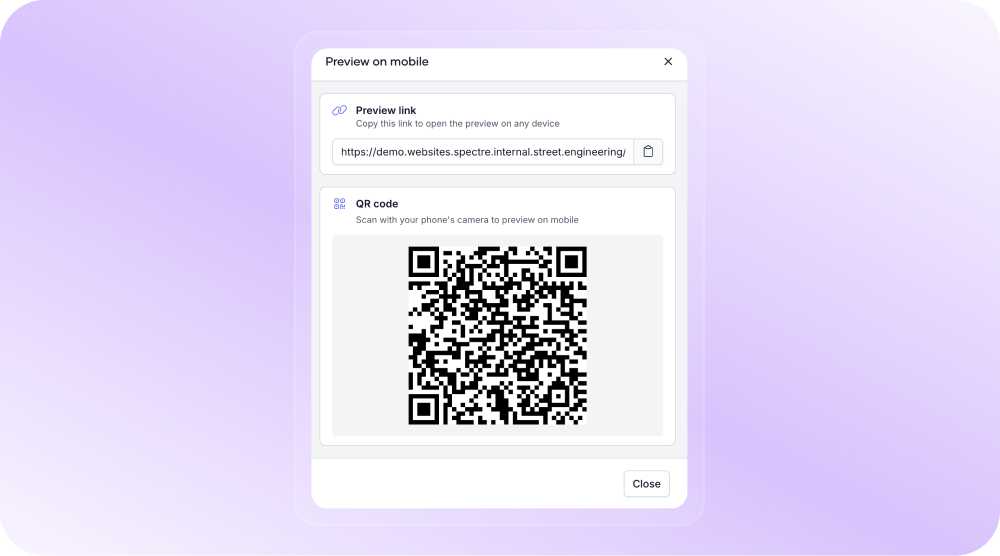
Click Preview, choose Preview on Mobile, and scan the QR code to open your draft site on your mobile. No publishing to staging and sending the link over to yourself just to see how it looks.
Style your website from one set of brand settings.
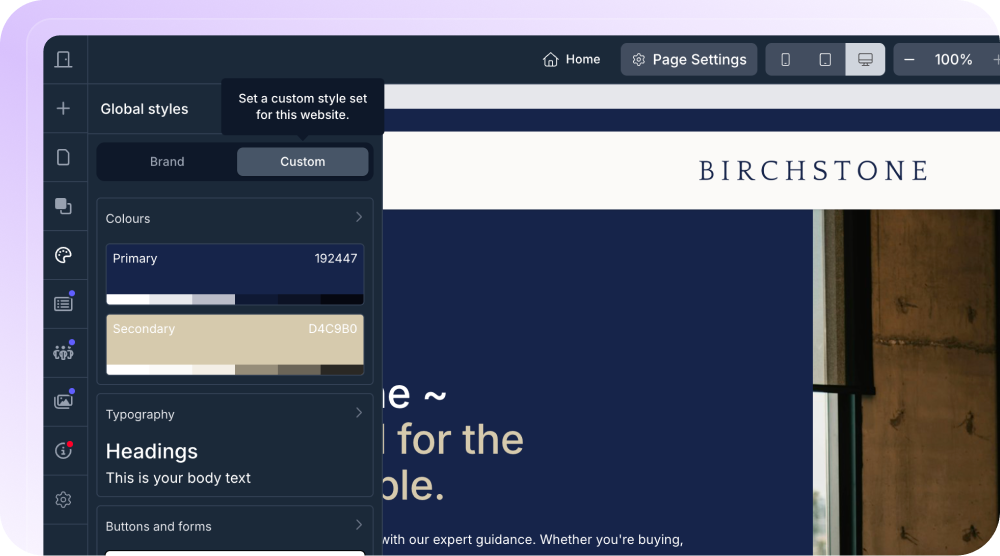
Set your fonts, colours, buttons and more in one place, with ready-made font pairings if you need them. Use the new Brand mode to pull your branding straight from Spectre ID, so one change updates every website rather than becoming a job on each site you own.
Custom mode gives you full control over typography, colour, and the rounding and spacing of buttons, forms, images and cards, along with your motion settings. The two modes hold their values independently, so you can try something and switch back without losing your setup. Every existing site defaults to Custom mode, so nothing changes on live sites until you choose to change it.
Show garden and parking details on your property pages.
Descriptions written against External Areas in Street.co.uk now appear on your Spectre website listing page, beneath the main description. They already reached the portals, and now they reach your own website too. Write it once and it lands in both places, with nothing extra to set up.
Spectre Social updates
Put hashtags and links in the first comment, automatically.
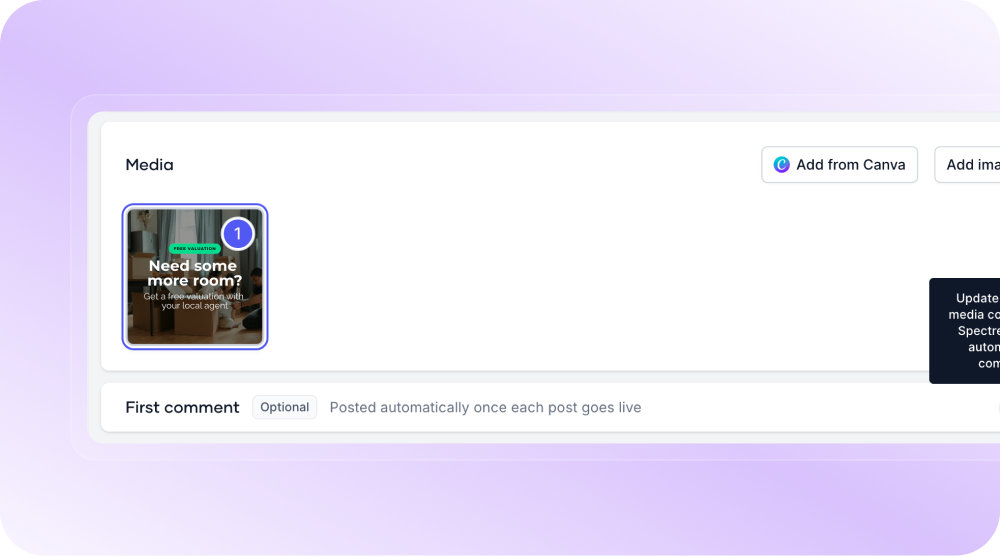
Set your first comment when you create a social post and Spectre publishes it the moment the post goes live. Your caption stays clean and your links still land, without moving between Spectre and the platforms to add them yourself.
Choose the thumbnail on your video posts.
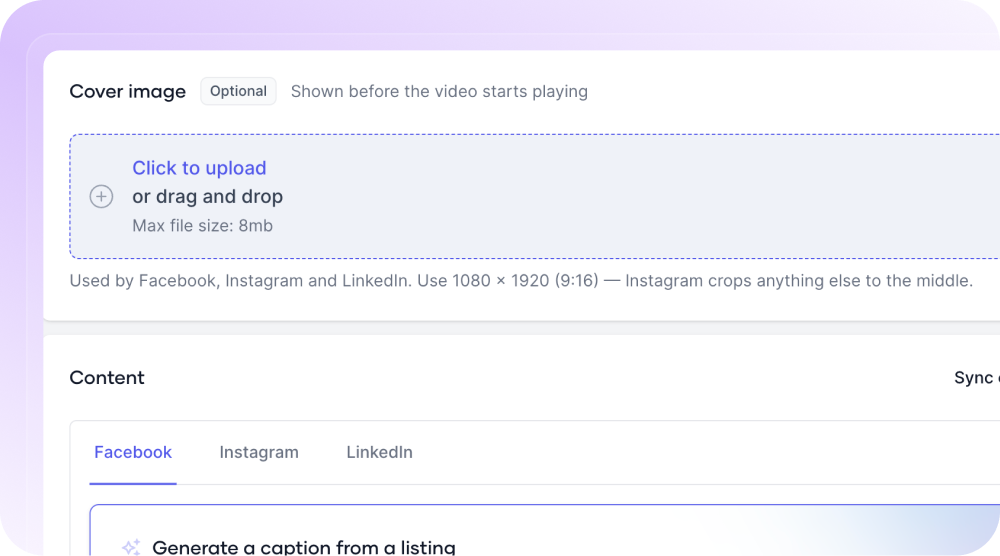
Toggle on a cover image when you upload a video and pick exactly what your audience sees first, rather than whichever frame the platform lands on at publish time.
Prospecting updates
A refreshed Spectre Sales dashboard.
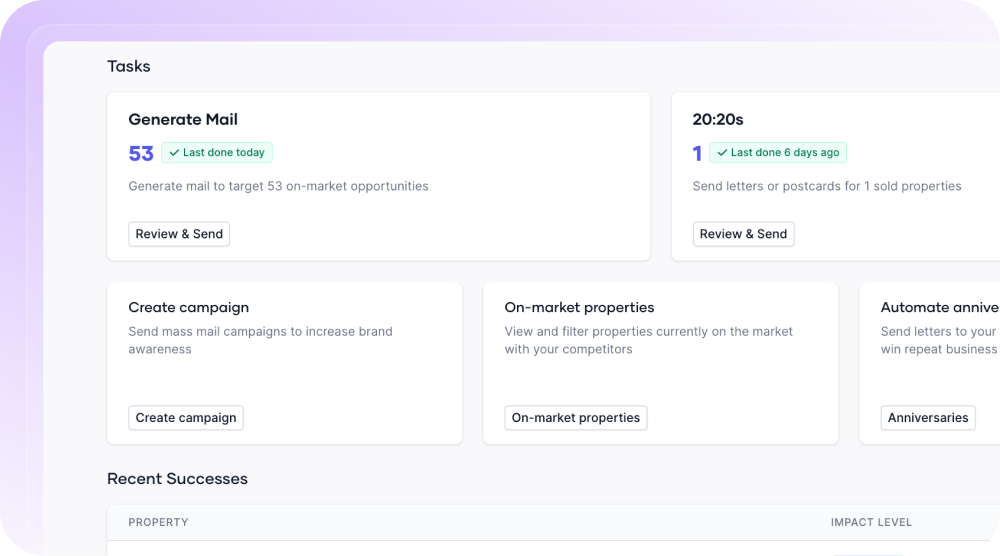
The Sales dashboard has had a refresh, with a cleaner look and a more consistent experience across the platform. It's easier to navigate and feels right at home with the rest of Spectre.
Pull your completions straight from Street.co.uk.
Anniversaries now takes completed sales directly from Street.co.uk, so there's no sales history to export and upload, and your data is no longer only as fresh as the last time someone remembered to do it.
Target several areas in a single campaign.
Draw as many custom areas as your campaign needs with the Draw tool, and the count next to the map covers every one. Work that meant running several campaigns now happens in one. This is in Campaigns for now, with 20:20s to follow.
Find your 20:20 templates without scrolling.
Your 20:20 letters and postcards now sit at the top of the template list when you start a 20:20 journey, rather than mixed in with everything else.
Sort your 20:20 properties by price.
The off-market and on-market steps now sort by price, so the properties worth targeting come first.
See total listing value on your Lettings dashboard.
Total listing value is back on the Lettings Success dashboard, alongside instructions won, valuations booked and estimated fee revenue.
The thread running through this release is doing the work once. One set of brand settings across every website, one description in Street.co.uk reaching both the portals and your own site, one sync bringing your completions in rather than an upload every few weeks. Less setting up, more of your marketing going out.
We'll keep building tools that help you win more instructions.
Follow us on LinkedIn for the latest releases, walkthroughs and product insights.